Gallery Notes
Sattva City Gallery - See the township before you visit
Before you buy a home, you usually see it twice. First on a screen. Then in real life.
The Sattva City gallery is built for that first meeting. It lets you walk through a 50-acre township with your eyes before you ever step through the gate. You see how the towers sit in the land, how much of what you are promised is actually green, and how the pools, courts, and clubhouses are woven into the plan. If you pay attention, you can learn a lot from these images, not just whether the place looks pretty, but whether it is thoughtfully designed. If you want a broader developer reference, the official Sattva residential projects page is a useful companion read.
This page helps you use the gallery well. It explains what each kind of photo is trying to show you, and what you should look for before you decide to visit the site in person.
What the gallery shows
The official Sattva City gallery brings together photos, renders, drone shots, and videos of the township in one place. You can see aerial views of the full 50-acre layout, close-ups of towers and facades, photos of gardens, pools, play areas, and sports courts, interior shots of sample 2, 3, and 4 BHK apartments, and construction-progress images and virtual tours.
According to the project’s own gallery pages, these visuals are meant to show both the completed vision and the current on-ground reality. That mix is important. Renders tell you what the builder intends. Actual site photos tell you how far they have reached and how faithfully they are executing that intent.
Aerial and top views
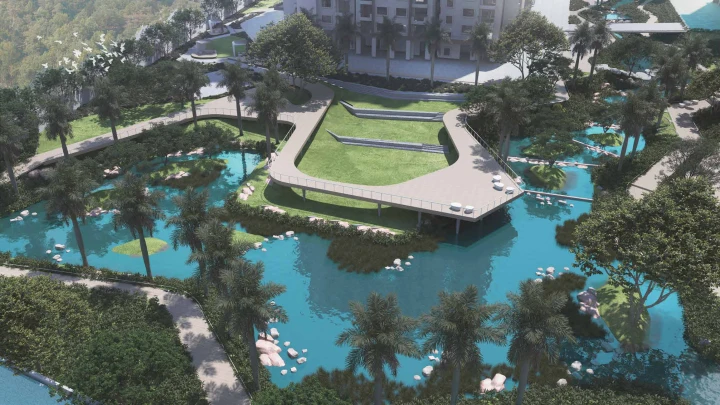
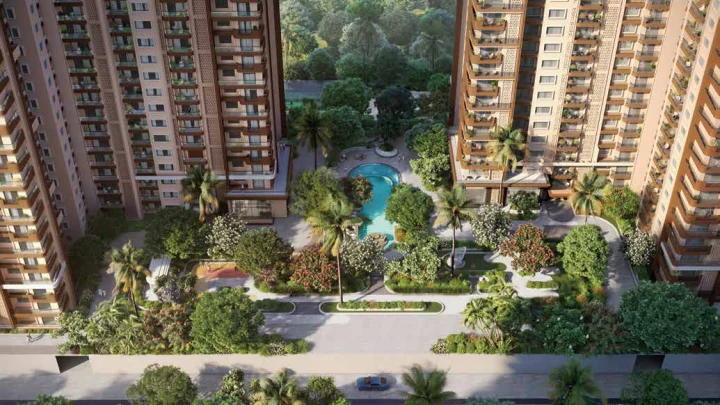
Start with the drone and aerial photos. These are the most honest images in any gallery. In Sattva City’s top views, you see a 50-acre site divided into tower clusters, green belts, water bodies, and internal roads. The towers form islands in a sea of open space, rather than the other way around. Long, continuous bands of trees and lawns connect blocks. A central lake and waterfront amphitheatre act like the heart of the layout.
When you look at these images, ask yourself a few simple questions. How close are the towers to one another? Are the green pockets continuous, or broken into tiny fragments? Do roads dominate the view, or do trees and paths?
At Sattva City, the aerial photos and brochure visuals together support the claim of 80 to 84 percent open space, with towers placed around large internal parks and a planned lakefront. That matters if you want real breathing space, not just a small garden in front of the gate. The broader planning logic behind this kind of layout is also discussed in the 15-minute city concept.
Towers and elevations
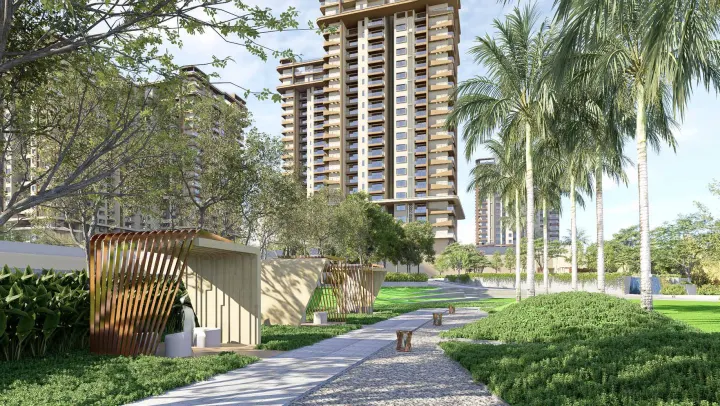
The next set of images usually focus on the high-rise towers themselves. In Sattva City’s gallery, these shots highlight clean, modern facades with a mix of glass, balconies, and vertical lines, the height of the towers across the different blocks, and how the towers sit against the backdrop of trees, water, and sky.
You are not a structural engineer, so you do not need to decode the RCC frame from a photo. But you can still read a few things. Are the facades too busy, or simple and timeless? Do the balconies look usable or ornamental? Do the towers feel crammed, or spaced out?
If you like to go deeper into how elevations and materials are planned, the brochure offers higher-resolution images and specification notes.
Interiors
Interior photos are where marketing can easily drift into fantasy. So you have to read them with a clear eye. In the Sattva City visuals, interiors are shown with wide, bright living rooms opening to balconies, bedrooms with large windows and simple furniture, modular kitchens with straight counters and overhead storage, and bathrooms with modern fittings.
Part of what you see is styling. What you really need to focus on are the fixed elements: proportion of wall to window, depth of balconies, width of passages and doors, and natural light in living and bedrooms.
If you compare these photos with the unit sizes and layouts on the floor plan page, you can form a realistic picture. A 3 BHK of around 1,800+ sq. ft. with wide openings and tall ceilings will naturally feel more open than a compact 3 BHK in a smaller project.
Amenities and open spaces
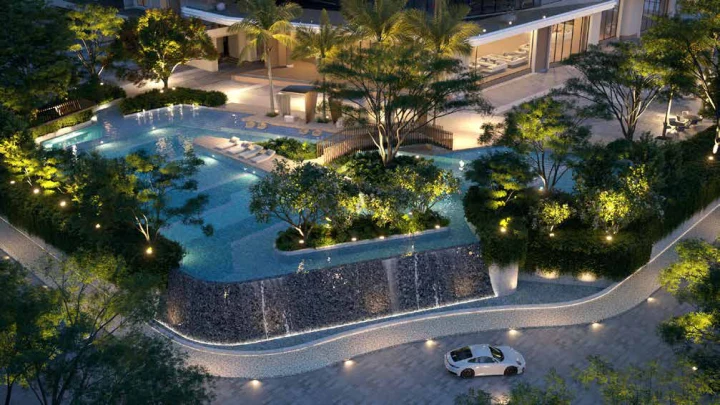
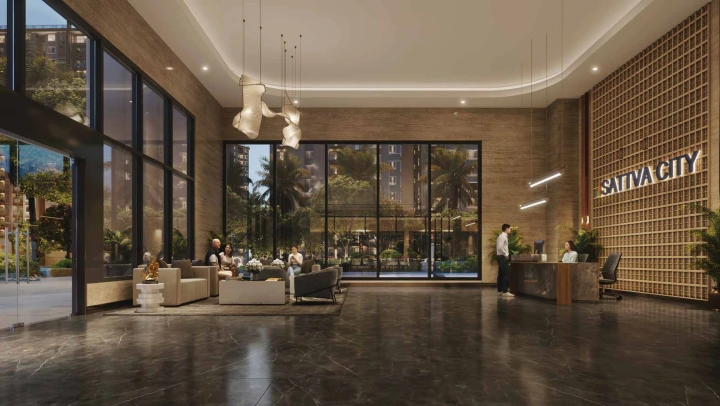
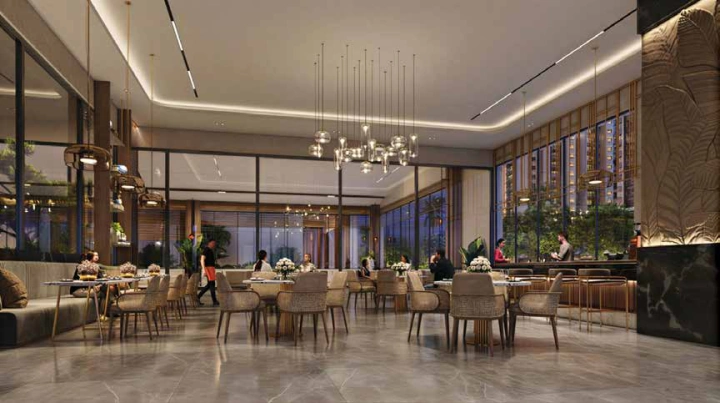
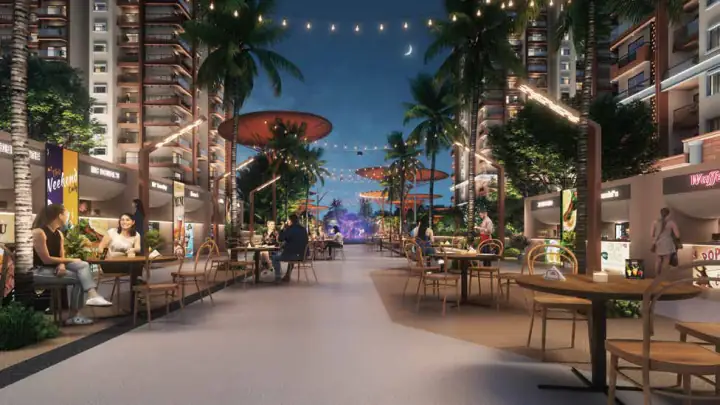
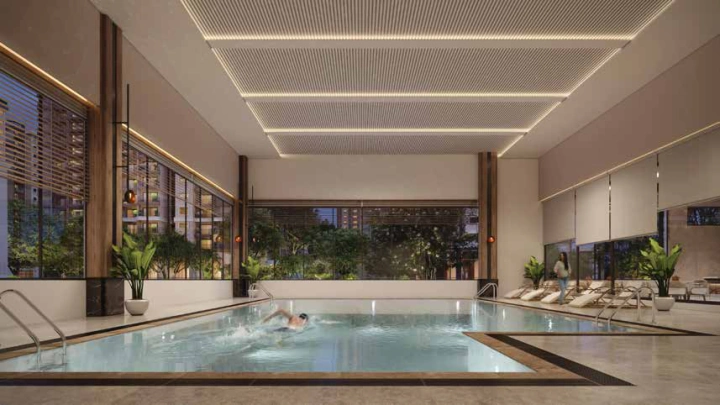
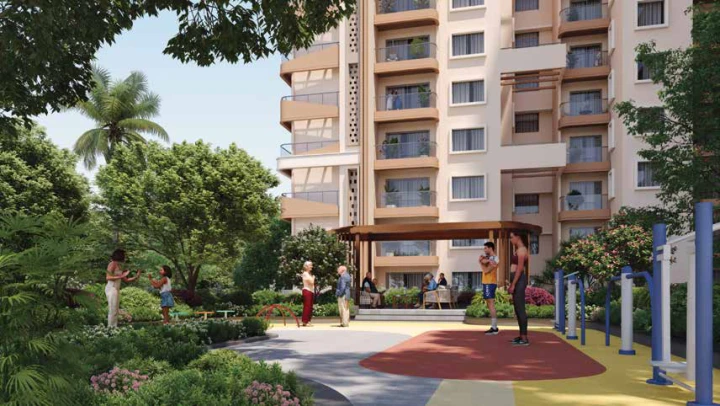
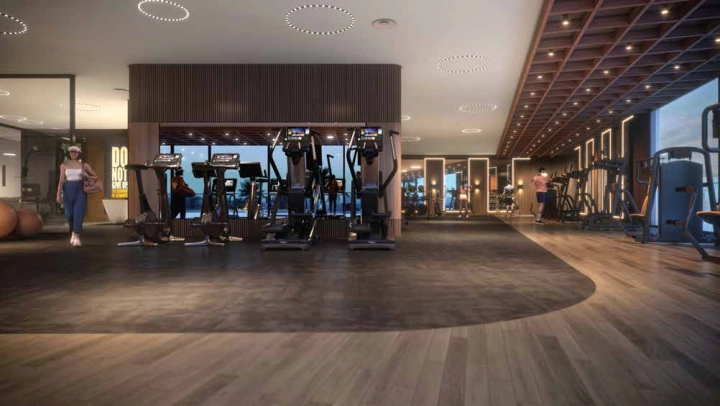
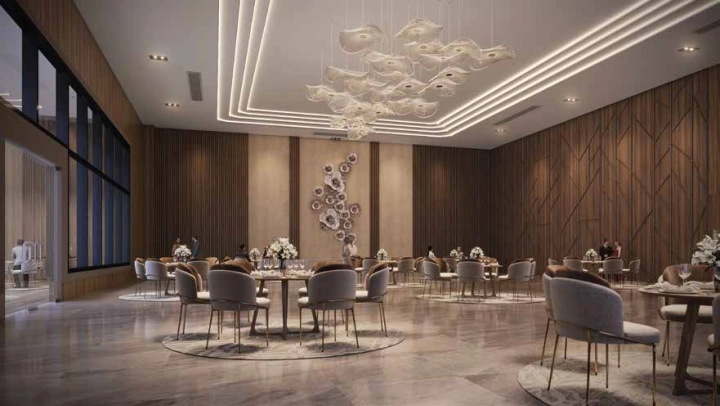
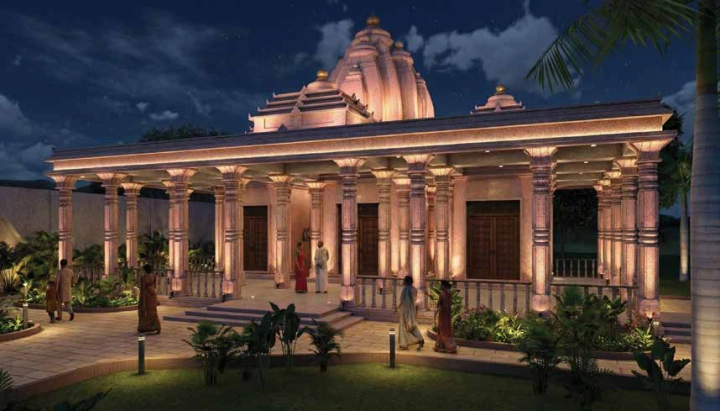
Every project shows you a swimming pool and a gym. The question is what else is there, and how it all fits together. Sattva City’s gallery spreads its amenity visuals across many shots: pools, sports courts, leisure spaces, wellness zones, and community spaces.
Here is how to read these images. Check the backdrop. Is the amenity surrounded by towers, or by trees and open sky? Look for scale markers. People, benches, or cars in the frame help you judge how big or small a space actually is. Notice repetition. When a project talks about 250+ amenities, you expect to see variety, not ten different angles of the same pool.
If you want to understand why good amenity photos matter, guides to real estate photography like Matterport’s tips explain how professional images help you assess light, proportions, and usability even before a visit.
Construction progress
For an under-construction project, progress photos and videos are as important as renders. They show you whether the builder is actually building what they drew. The Sattva City gallery highlights two broad visual streams: architectural renders that show the complete township, and actual site progress, including drone videos and site photos showing foundations, rising structures, and early finishes.
When you look at progress content, you do not need expert eyes. Just keep three things in mind: date stamps, consistency with the RERA timeline, and frequency of updates. A gallery that is updated every few months inspires more confidence than one where all progress images are from the launch month. You can verify the project registration details through Karnataka RERA.
How to use the gallery with other pages
The gallery is a powerful starting point, but it is only one piece of your decision. Pair aerial and top views with the master plan, pair interior photos with the floor plans, and pair amenity visuals with the overview and location pages to judge whether these spaces are easy to reach inside the campus and how they fit into your daily life.
A gallery can never replace walking the land yourself. But when it is done well and updated honestly, it can help you arrive at that visit prepared, with sharper eyes and better questions.